---
title: "The commit graph"
description: "How to read GitLane's swimlane commit tree."
---
> Documentation Index
> Fetch the complete documentation index at: https://docs.gitlane.space/llms.txt
> Use this file to discover all available pages before exploring further.
# The commit graph
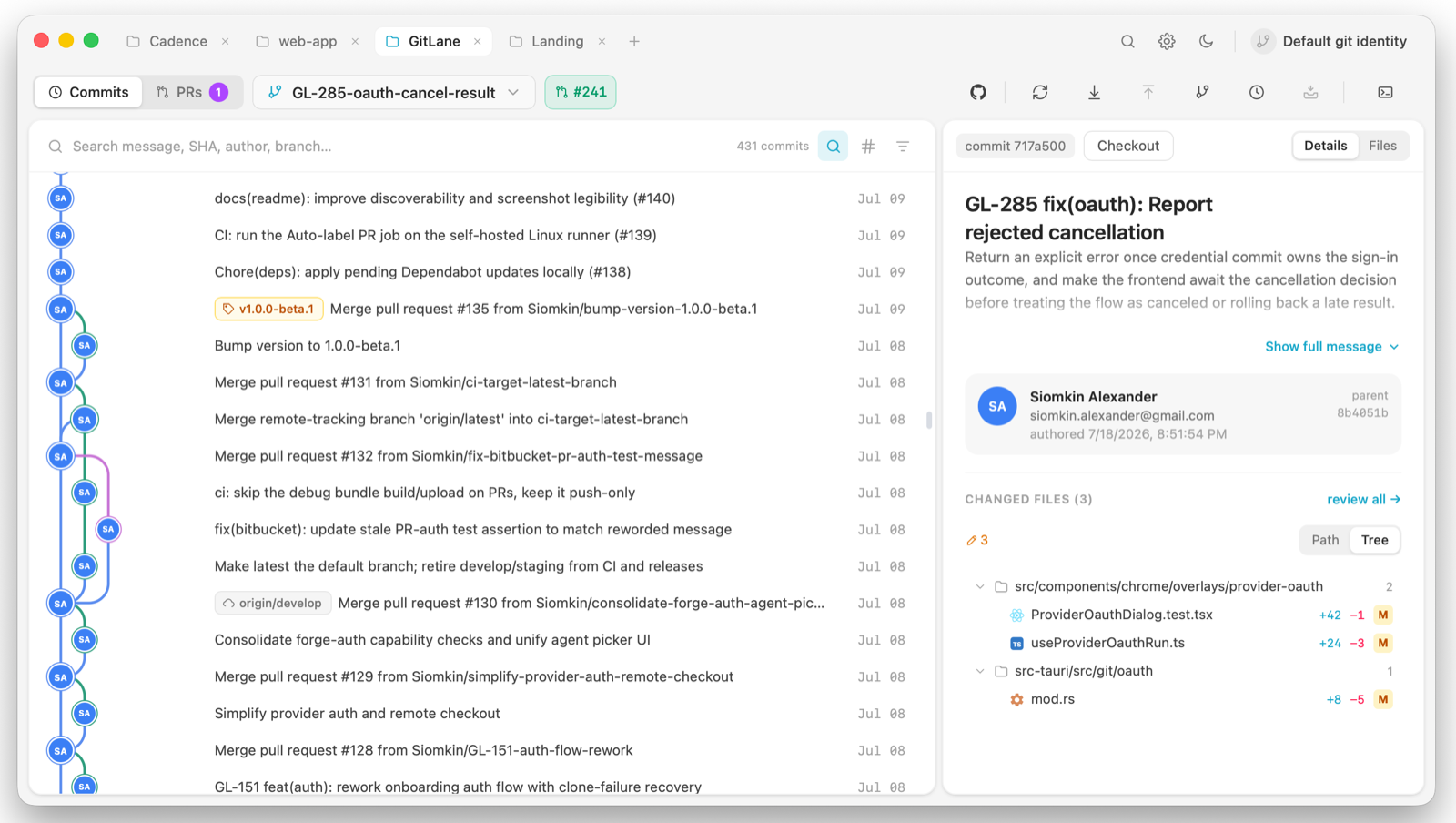
Every line of history gets its own lane and its own colour. That's the whole
premise: instead of one tangled column, each concurrent line of development
is a visually distinct swimlane you can follow with your eye.
## What's in the view
Branches, remotes, tags, stashes, and your uncommitted work all live in the
same tree rather than in separate panes:
- **Stashes** appear at the point in history where you made them, not in a
detached list.
- **Uncommitted changes** float on top as a WIP row.
- **Commit nodes** show author avatars, with badges for co-authors and for
commits made by bots and AI agents — Claude, Codex, Cursor, Copilot, and
Dependabot are recognised.
## Selecting commits
Click a commit to inspect it. Two modifiers extend the selection:
| Action | Result |
| --- | --- |
| Click | Select one commit |
| Shift + click | Select the range between the two |
| Cmd/Ctrl + click | Add or remove one commit from the selection |
A multi-commit selection is what powers combined-diff review and squashing —
see [Staging and committing](/guides/staging-and-committing) and
[Branch operations](/guides/branch-operations).
## Why it stays fast
The layout is computed in Rust. A topological walk over the commit DAG
assigns each commit a lane through a reservation scheme, and the result is a
plain list of `(row, lane, colour)` coordinates plus edges. The frontend is a
dumb painter: it draws those coordinates onto a `