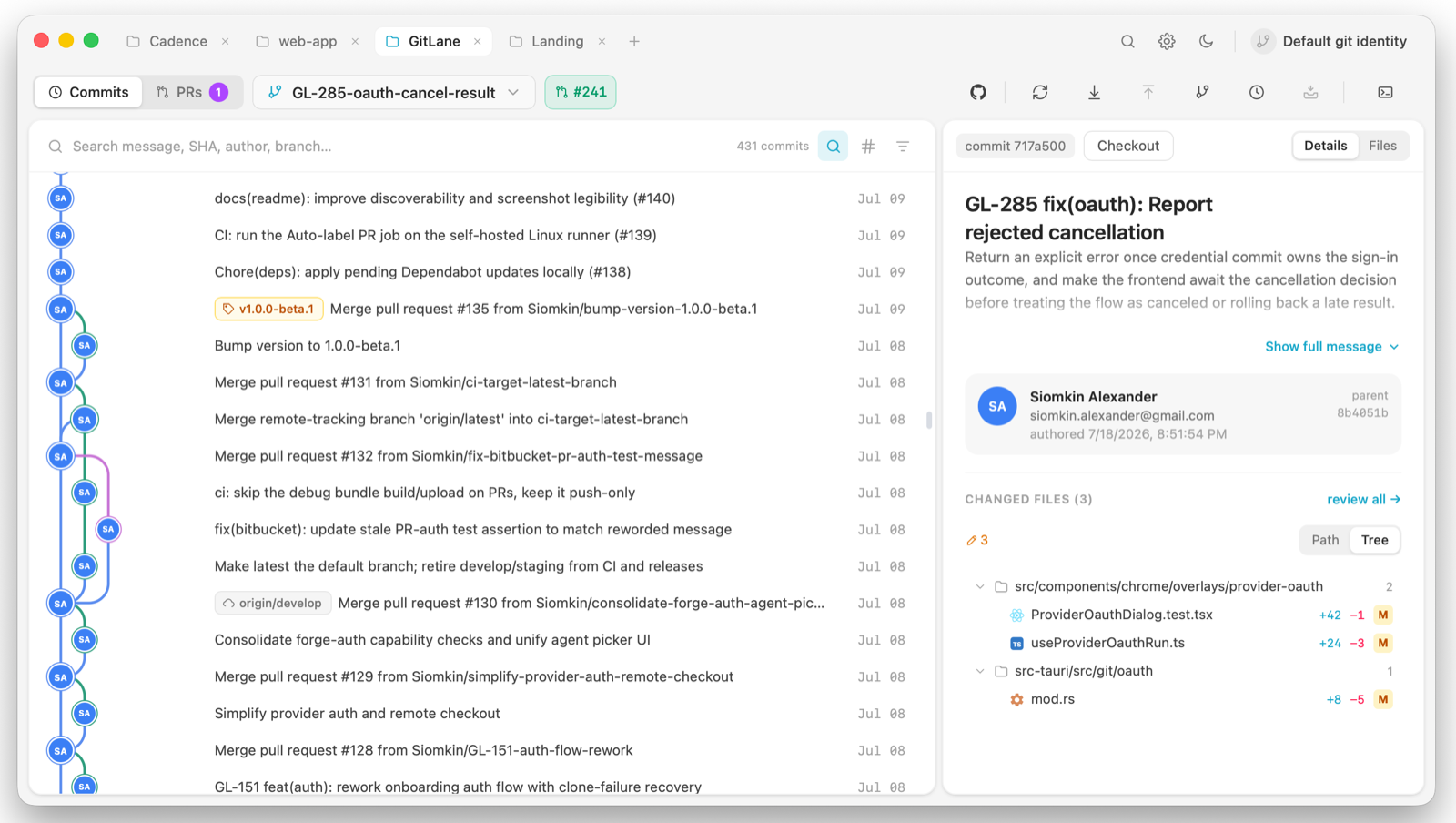
GitLane is a visual git client for macOS, Windows, and Linux. It shows your repository as a swimlane commit tree, lets you drag one branch onto another to merge or rebase it, stages changes down to the single line, resolves merge conflicts in-app, runs AI actions on selected commits, and reviews pull requests on GitHub, GitLab, Bitbucket, and Cursor Origin without leaving the window.
The two ideas worth knowing up front
Your real git does the writing. Every commit, merge, rebase, push, and
stash runs through the git binary already on your PATH. Your hooks,
credential helpers, commit signing, and .gitconfig all apply exactly as they
do in a terminal. Reads go through libgit2 instead, for speed.
The view is always live. A filesystem watcher keeps the app in sync when you commit, check out, or stage from a terminal. There is no refresh button because there is nothing to refresh.
Install
Pick a package for your platform and get past the first-launch warning. Install →
Requirements
What GitLane needs on your PATH, and what unlocks the optional features.
Requirements →
First run
Open a repo, read the graph, and make your first commit. First run →
Free software
GitLane is released under GPL-3.0-or-later. You may use, study, modify, and redistribute it; distributed derivatives must stay under the GPL with complete source. The GitLane name and logo may be protected as trademarks — the GPL grants copyright permissions, not trademark rights.