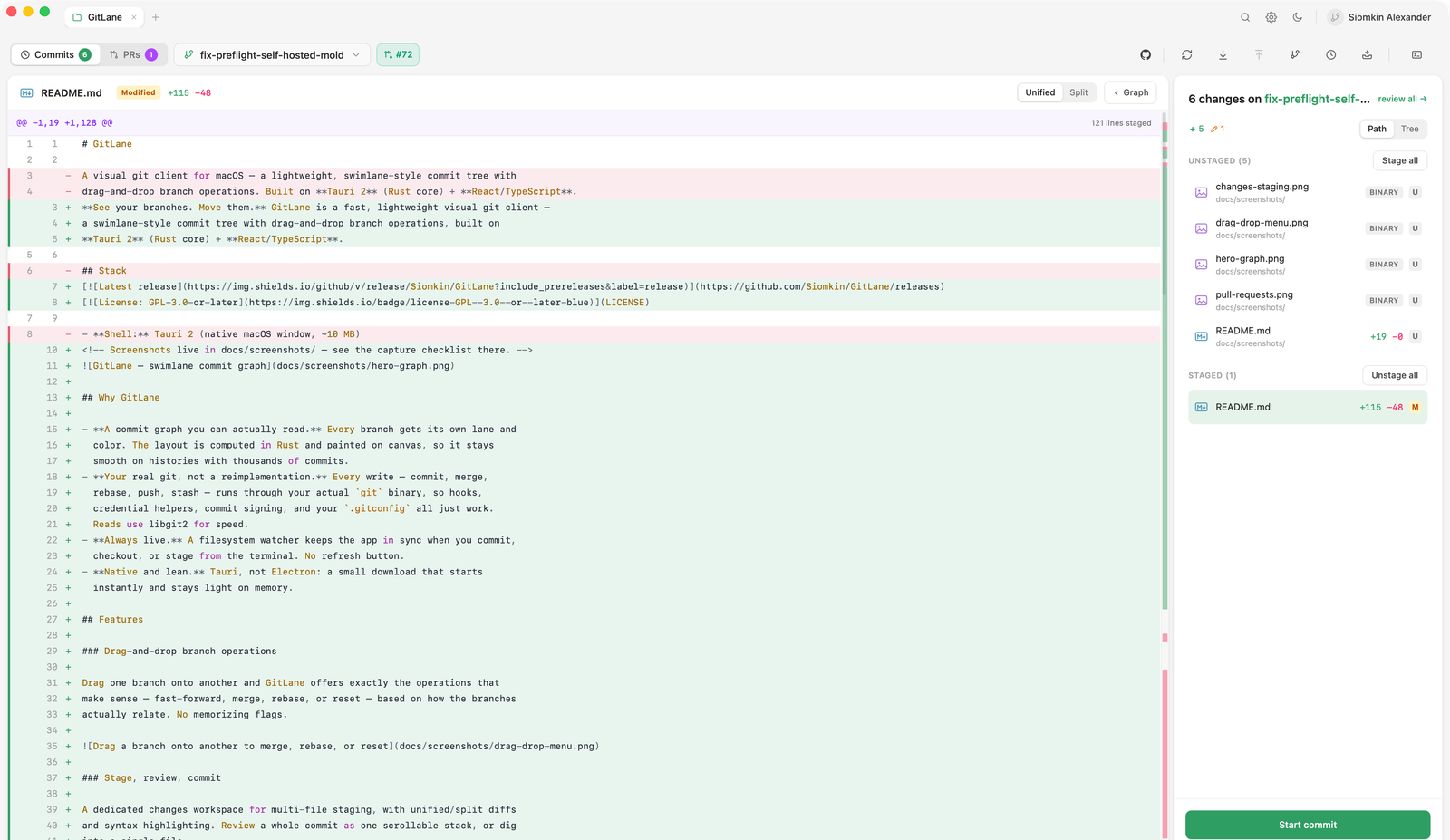
Staging granularity
Stage whole files, whole folders, individual hunks — or a single line. The
same controls unstage. This is the surface you’ll use most, so it’s built to
let you split a messy working tree into clean commits without dropping to
git add -p.
Reviewing the diff
Diffs render in unified or split view with:
- Syntax highlighting
- A change minimap for long files
- Before/after previews for images
- Markdown preview for
.mdfiles
Review a whole commit as one scrollable stack of files, or select several commits in the graph and review their combined diff the same way. AI actions in that header opens the same popup as the commit menu, on Short description. AI actions →
You can also pin review notes to a range of diff lines and hand the whole set to an AI agent as one composed instruction. More →
The commit composer
The composer shows you two things most clients leave implicit: who you’re committing as, and where the commit will land.
It supports:
- Conventional Commits mode — structured type/scope/summary entry
- Amend — rewrite the previous commit
- Commit and push — one click, when that’s what you meant
AI-drafted messages
If you have an AI CLI installed on your PATH — claude, codex, or
similar — GitLane can draft a commit message from your staged diff, improve
one you’ve already written, or describe the changes you’re looking at.
Nothing is sent anywhere unless you invoke it.
GitLane talks to the CLI you’re already signed in to over the Agent Client Protocol, so there’s no API key involved. While a request runs, the banner shows what the agent is doing and how long it has been at it; Stop ends the run. A failure says what went wrong — adapter missing, not signed in, refused — instead of just timing out. Configuring agents →
AI actions on a selection
The same in-app agents can describe selected commits or the working tree — a short summary, an implementation comment, release notes, a review, or a test plan. Right-click the selection or press Cmd/Ctrl + Shift + A. AI actions →
Discarding work
Discard previews exactly what would be thrown out before it runs. Like every other destructive action, it refuses to act on stale state if the repository changed since the preview.
And if something still goes wrong, the Recover button browses the reflog so you can branch back to a lost commit — see Safety and recovery.